SnowConvert AI - Oracle Conversion Settings
常规转换设置
Object Conversion
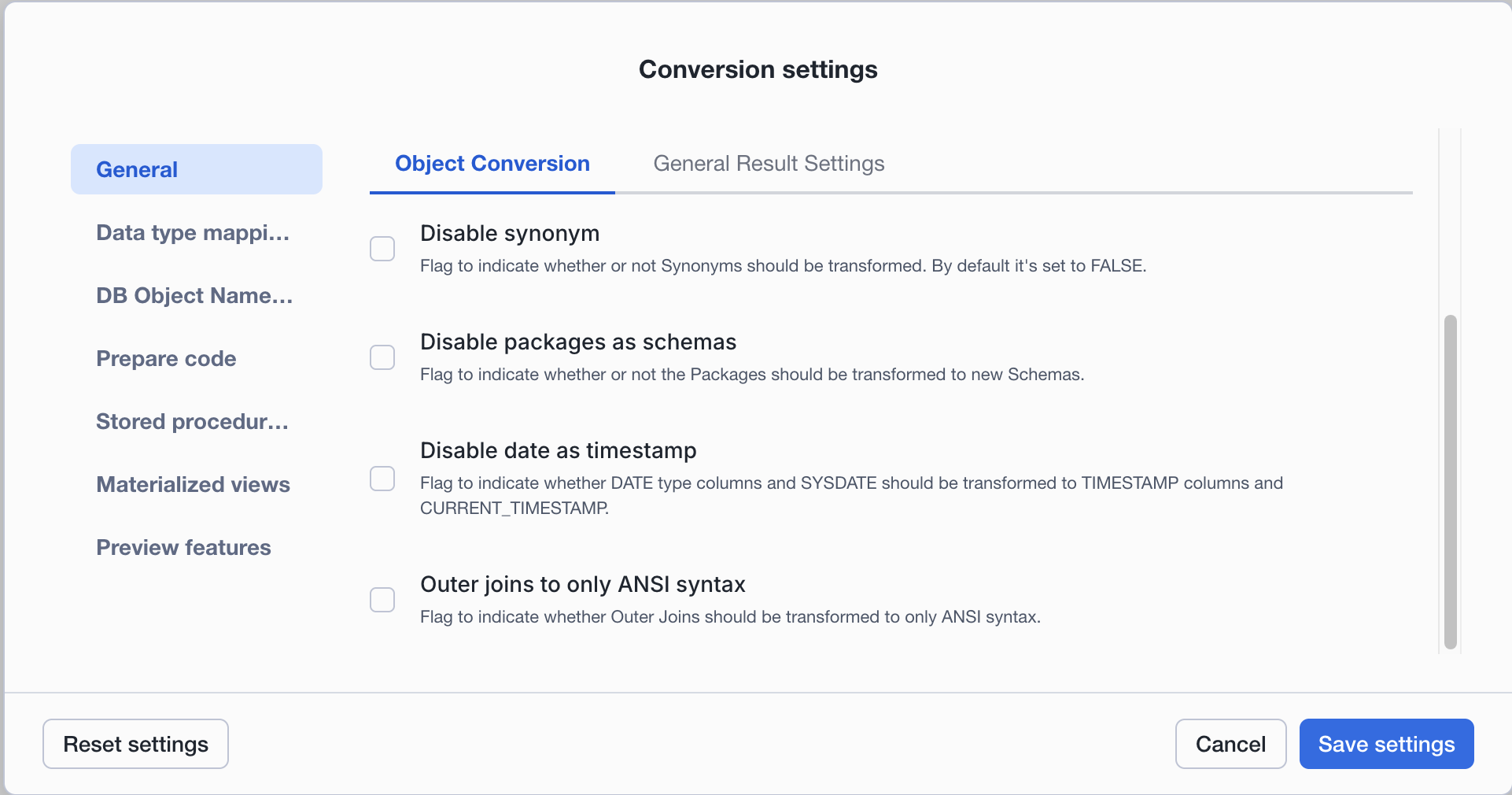
转换同义词: 该标志用于指示是否应转换同义词。默认情况下,它设置为 True。
将包转换为新架构: 该标志用于指示是否应将包转换为新架构。
请检查启用和禁用该标志的过程的命名:
Input
Output Default
Output with param disablePackagesAsSchemas
将日期转换为时间戳:
该标志用于指示 SYSDATE 是否应转换为 CURRENT_DATE_ 或 _ CURRENT_TIMESTAMP。这也将影响所有将转换为 TIMESTAMP 的 DATE 列。
Input
Output Default
Output with param disableDateAsTimestamp
将OUTER JOINS 转换为 ANSI 语法: 该标志用于指示是否应将外部联接转换为仅限 ANSI 语法。
Data type mappings
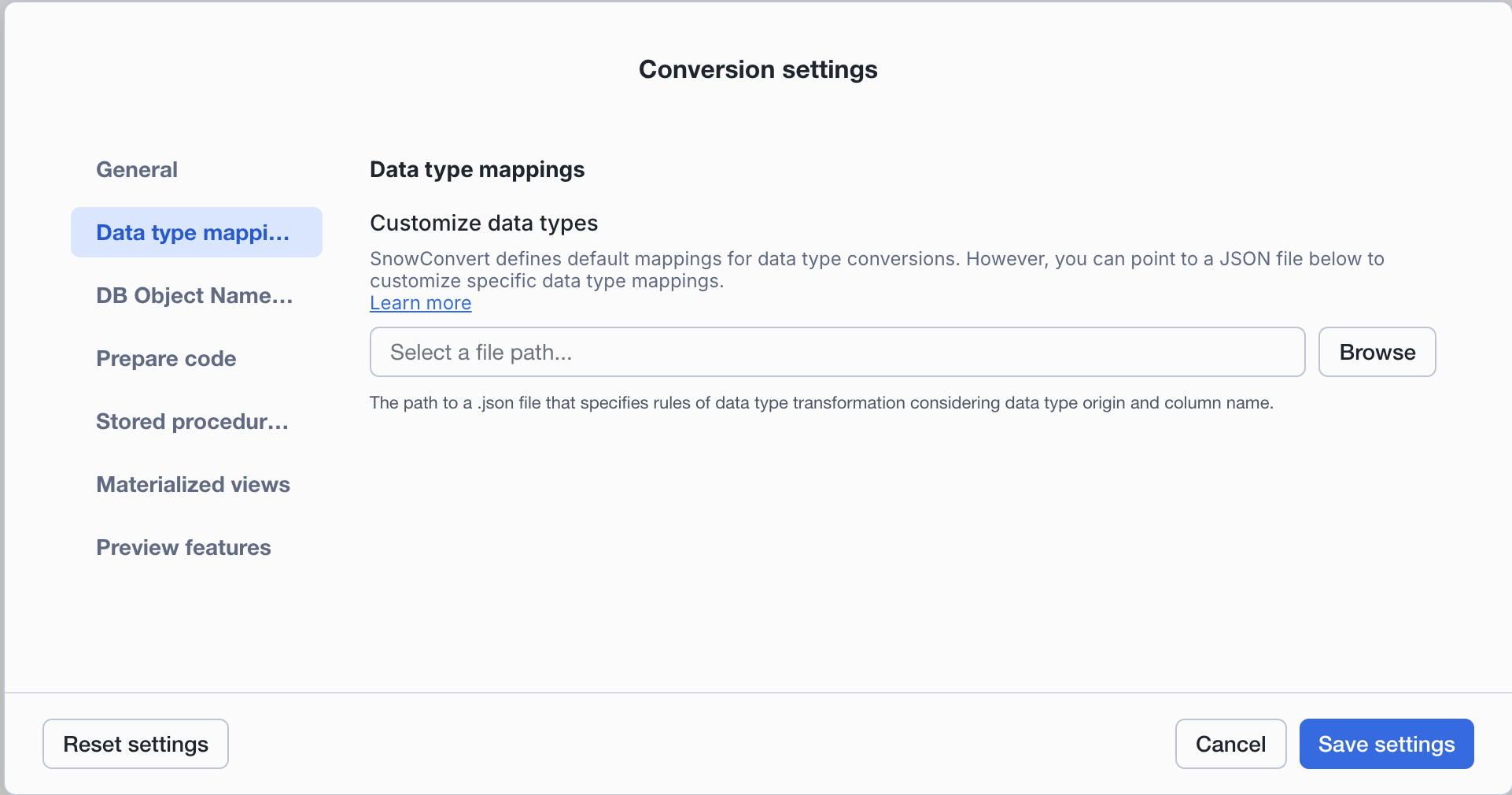
SnowConvert defines default mappings for data type conversions. However, you can point to a JSON file to customize specific data type mappings.
Customize data types: You can upload a JSON file to define specific data type transformation rules. This feature allows you to customize how data types are converted during migration.
Supported transformations include:
NUMBERto customNUMBERwith specific precision and scaleNUMBERtoDECFLOATfor preserving exact decimal precision
When you upload a data type customization file:
SnowConvert AI applies your transformation rules during conversion
Numeric literals in
INSERTstatements targeting customized columns are automatically cast to the appropriate typeA TypeMappings Report is generated showing all data type transformations applied
JSON Structure:
The JSON file supports three ways to specify data type changes:
Method |
Scope |
Use Case |
|---|---|---|
|
Global |
Transform all occurrences of a specific data type |
|
Global |
Transform columns matching a name pattern (case-insensitive substring match) |
|
Table-specific |
Transform specific columns in specific tables |
警告
Use column name patterns carefully. The projectTypeChanges.columns rules only apply to columns with NUMBER data types, but they match by name pattern without considering the precision or scale of the original NUMBER type. This means a pattern like "MONTH" will transform all matching NUMBER columns to the target type, regardless of their original precision (e.g., NUMBER(10,0), NUMBER(38,18), or NUMBER without precision). Always review the TypeMappings Report after conversion to verify that the transformations were applied correctly.
Priority order: When multiple rules apply to the same column, SnowConvert AI uses this priority (highest to lowest):
specificTableTypeChanges(most specific)projectTypeChanges.columns(name pattern)projectTypeChanges.types(global type mapping)
Example JSON configuration:
Download template: Copy and save the JSON structure above as your starting point.
Example transformation:
Given the following Oracle input code:
Oracle
And a JSON customization file with:
"NUMBER": "NUMBER(11, 2)"inprojectTypeChanges.types"NUMBER(10, 0)": "NUMBER(18, 0)"inprojectTypeChanges.types"MONTH"pattern targetingNUMBER(2,0)inprojectTypeChanges.columnsSALARYcolumn targetingNUMBER(15, 2)inspecificTableTypeChangesfor EMPLOYEES table
The output will be:
Snowflake
Column |
Original Type |
Transformed To |
Rule Applied |
|---|---|---|---|
employee_ID |
NUMBER |
NUMBER(11, 2) |
|
manager_YEAR |
NUMBER(10, 0) |
NUMBER(18, 0) |
|
manager_MONTH |
NUMBER(10, 0) |
NUMBER(2, 0) |
|
salary |
NUMBER(12, 2) |
NUMBER(15, 2) |
|
General Result Tab
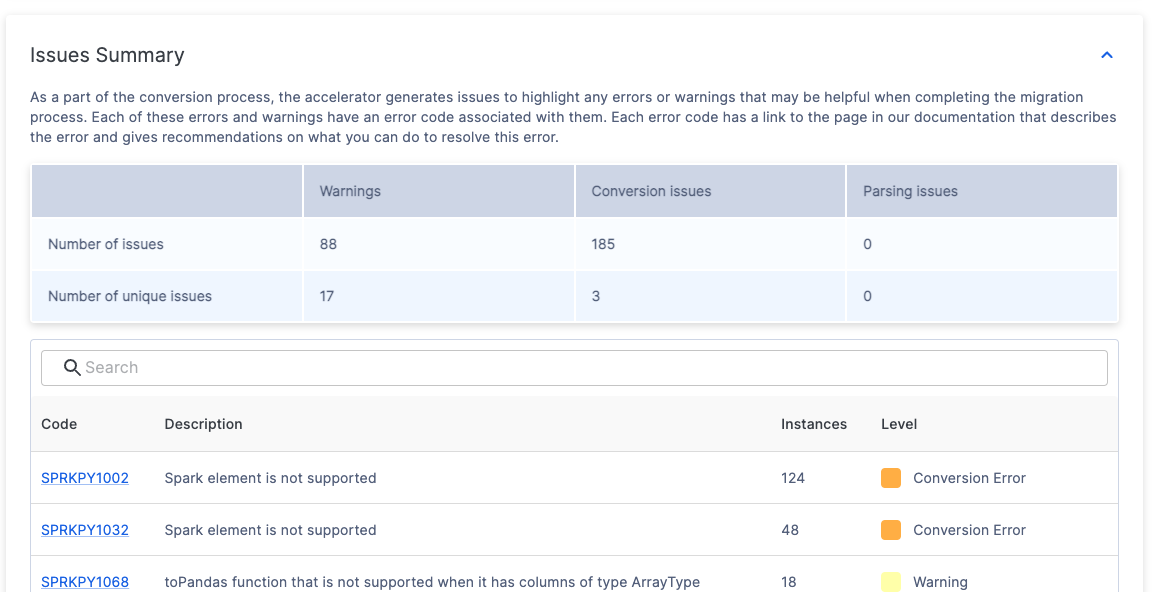
Comment objects with missing dependencies: This flag indicates whether the user wants to comment on nodes with missing dependencies.
Set encoding of the input files: Check General Conversion Settings for more details.
备注
要查看适用于所有支持语言的设置,请前往以下 文章。
DB 对象名称设置

架构: 字符串值指定要应用的自定义架构名称。如果未指定,则将使用原始数据库名称。示例:DB1.myCustomSchema.Table1.
数据库: 字符串值指定要应用的自定义数据库名称。示例:MyCustomDB.PUBLIC.Table1.
默认值: 对象名称中将不使用上述任何设置。
准备代码设置

Description
Prepare my code: Flag to indicate whether the input code should be processed before parsing and transformation. This can be useful to improve the parsing process. By default, it's set to FALSE.
Splits the input code top-level objects into multiple files. The containing folders would be organized as follows:
Copy
Example
Input
Output
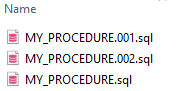
Assume that the name of the files is the name of the top-level objects in the input files.
Inside the "schema name" folder, there should be as many files as top-level objects in the input code. Also, it is possible to have copies of some files when multiple same-type top-level objects have the same name. In this case, the file names will be enumerated in ascending order.
Requirements 
To identify top-level objects, a tag must be included in a comment before their declaration. Our Extraction scripts generate these tags.
The tag should follow the next format:
You can follow the next example:
转换率设置

在此页上,您可以选择是使用代码行还是使用总字符数计算成功转换的代码百分比。字符转换率 为默认选项。您可以在 “Documentation”页面 上阅读完整转换率文档。
存储过程目标语言设置

在此页上,您可以选择是将存储过程迁移到嵌入 Snow SQL 中的JavaScript,还是迁移到 Snowflake Scripting。默认选项是 Snowflake Scripting。
Reset Settings: The reset settings option appears on every page. If you've made changes, you can reset SnowConvert AI to its original default settings.