AI code conversion with source-system verification
AI code conversion with source-system verification improves the accuracy of the conversion process. It runs the generated test case against both the converted code in Snowflake and the original source code in the source database. It then checks that both the source code and the converted code produce equivalent results.
警告
Never use your production account for AI code conversion with source-system verification. Use a testing account instead, as AI code conversion may introduce unpredictable modifications.
Compared to the default AI code conversion where SnowConvert only verifies that the converted code is running successfully on Snowflake, AI code conversion with source-system verification ensures functional parity, higher confidence, and overall better conversion quality.
AI code conversion with source-system verification is currently available for SQL Server and Redshift databases. |
|---|
Prerequisites
Select your source database platform to learn more about the prerequisites for running AI code conversion with source-system verification.
AI code conversion with source-system verification currently requires an instance of SQL Server hosted in Snowpark Container Services (SPCS). This SQL Server instance acts as a host for the test cases that will be executed by the source-system verification process. The test results from this instance will be used as a baseline to compare against the test results generated by executing the test cases on the converted Snowflake SQL code.
The prerequisites are:
An instance of SQL Server should be running in your SPCS environment. Download and run this shell script (https://snowconvert.snowflake.com/storage/linux/prod/scripts/push_mssql_server.sh) to deploy an instance of SQL Server in the SPCS environment.
To obtain your
dns_nameyou can run on your accountSHOW SERVICES LIKE 'mssql_server_demo_service';
Understand and agree to the legal responsibilities of using AI code conversion with source-system verification on your source data platform code inside the SPCS environment.
Create a custom specification file (for example,
spec.yaml). This file contains the connection parameters for the SQL Server instance running inside SPCS.Example:
The
mode"TWO_SIDED" indicates that the AI code conversion with source-system verification process will run on both source database code and target database code.The host name, port number, and credentials for the SQL Server database running in SPCS are specified under
source_test_database.The name of the container service, database name, and schema name where the test cases for the source will be executed are specified under
connection_metadata.
AI code conversion with source-system verification requires a Redshift instance running in your AWS environment. The instance should be accessible from the Snowpark Container Services (SPCS) container, which acts as a host for the test cases that will be executed by the source-system verification process. The test results from this instance will be used as a baseline to compare against the test results generated by executing the same test cases on the converted Snowflake SQL code.
The prerequisites are:
Create a network rule and an External Access Integration (EAI) to allow incoming traffic on port 5439 (the default Redshift port) from the IP addresses used by your Snowflake environment and establish a connection with the Redshift instance.
Example:
Create a custom specification file (for example,
spec.yaml). This file contains the connection parameters for the Redshift instance to be used for source-system verification.Example:
The mode “TWO_SIDED” indicates that the AI code conversion with source-system verification process will run on both source database code and target database code.
The host name, port number, and credentials for the Redshift database are specified under
source_test_database.The name of the container service, database name, and schema name where the test cases for the source will be executed are specified under
connection_metadata.
Configuration parameters
This section describes the components of the YAML file used to control the AI code conversion with source-system verification process.
Project options
The project section configures how the conversion and verification process handles your source objects. The following options are available:
Option |
CLI flag |
Description |
|---|---|---|
|
|
A list of custom instructions that guide the AI conversion process. |
|
|
A glob pattern to exclude specific objects from the conversion. |
|
|
SQL statements to run on the target database before verification. |
|
|
A dictionary that maps old file paths to new file paths. |
|
|
A list of fully qualified object names to include in verification. |
|
|
A boolean flag that enables the use of a custom database for the conversion. |
|
|
A dictionary that maps a filename to a list of dependency filenames that it requires. |
Additional options
The additional_options section accepts arbitrary key-value pairs that are passed directly to the CLI as flags. This means new CLI flags can be used immediately through the spec file without requiring code changes.
For example, the following spec entries:
Are passed through to the API as:
Boolean values set to true are passed as flag-only options (empty string value). Non-boolean values are passed with their specified value.
YAML to API payload mapping
The project options and additional options from the YAML spec are converted into a flat dictionary of CLI flags in the API payload. The following example shows how the full spec maps:
Note the following mapping behaviors:
Project options are prefixed with
--project.and use kebab-case (for example,use_custom_databasebecomes--project.use-custom-database).List values are serialized as JSON arrays.
Dictionary values are serialized as JSON objects.
Boolean flags (such as
use_custom_database: true) are passed with an empty string value, indicating a flag-only option.Top-level spec fields like
n_testsare mapped as--n-tests.Entries in
additional_optionsare passed through as-is.
Steps to run AI code conversion with source-system verification
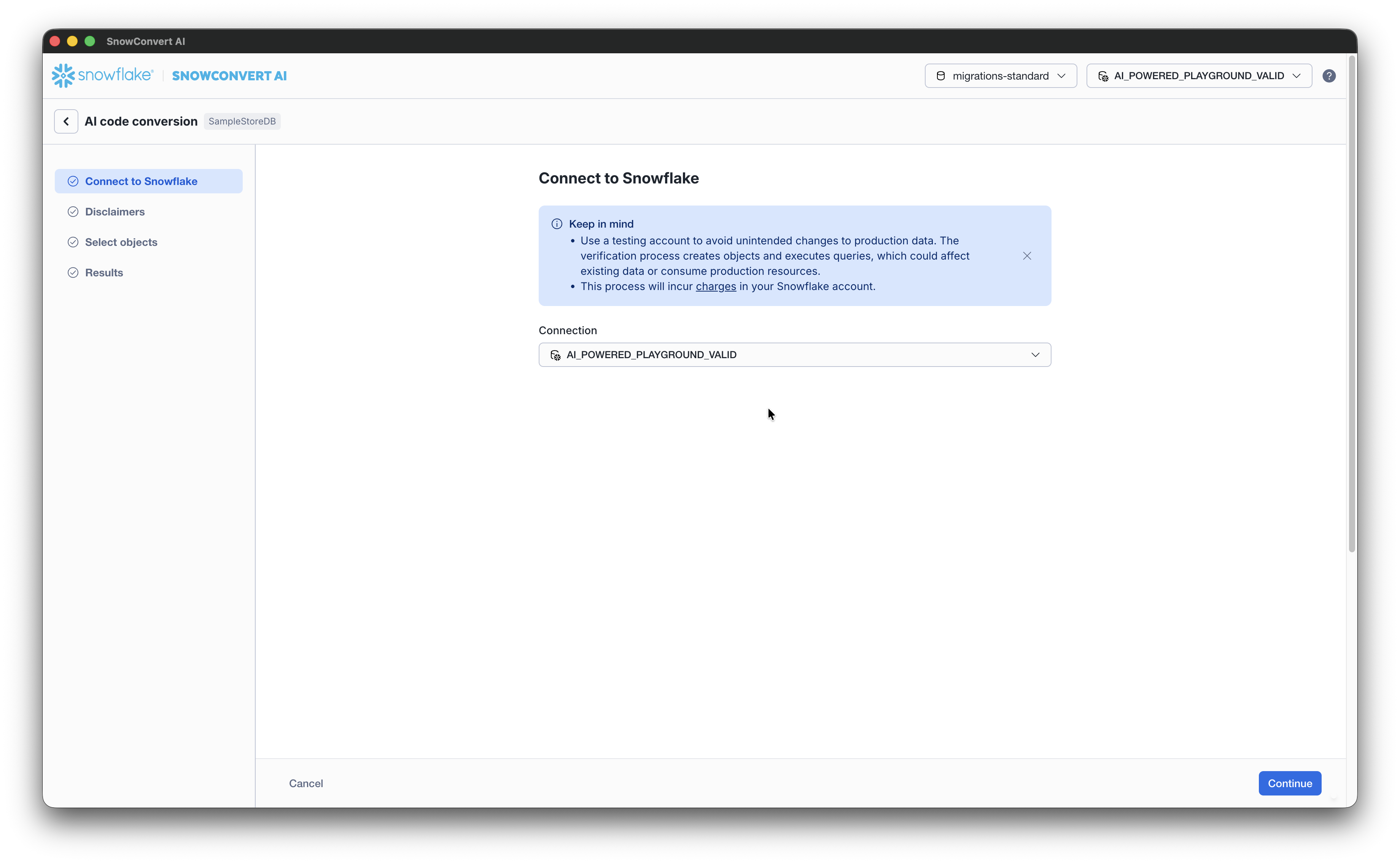
From the AI code conversion page, connect to Snowflake using a valid connection string. SnowConvert currently supports programmatic access tokens, in addition to the standard authentication methods for AI verification.
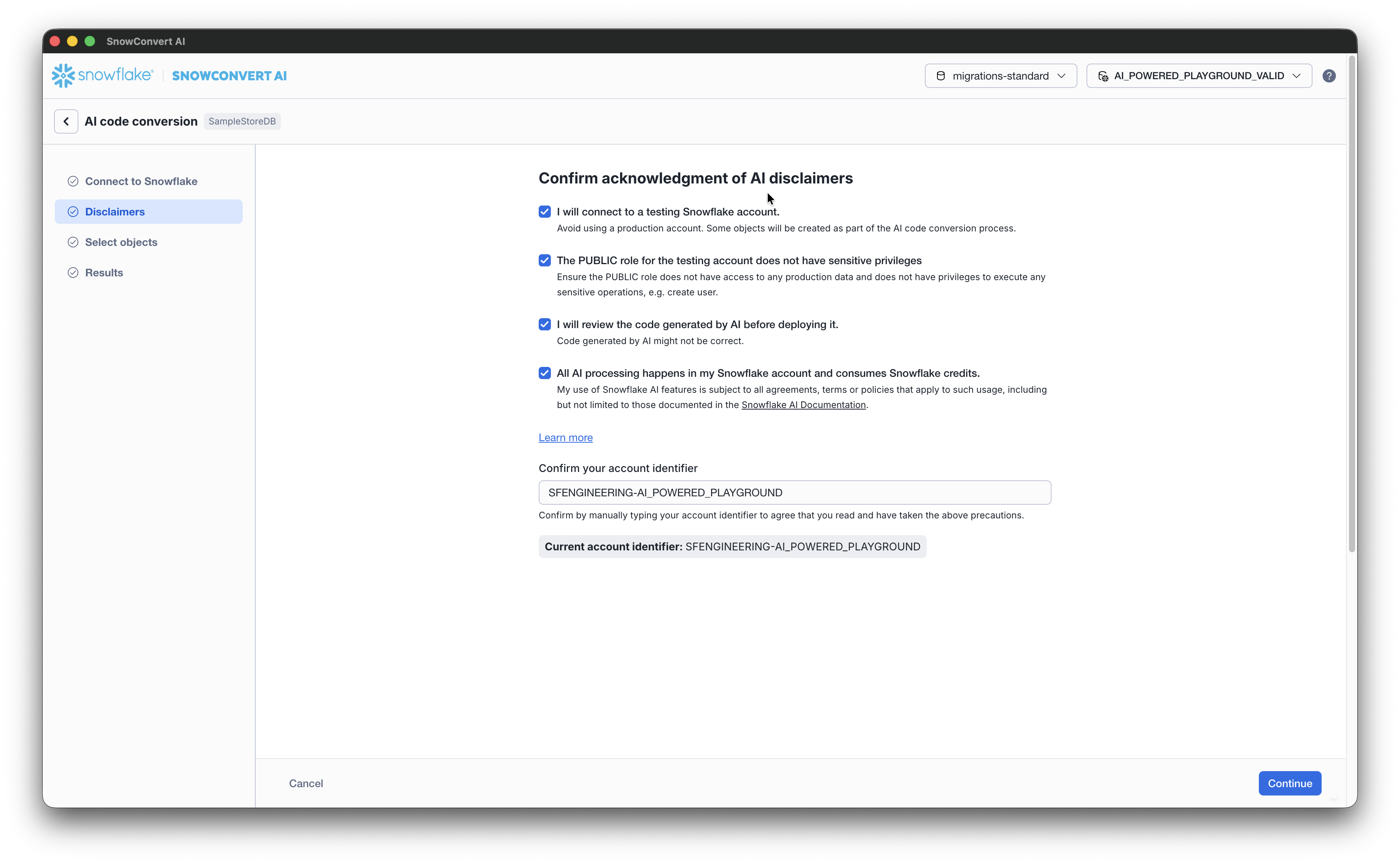
Accept the disclaimers and confirm your account identifier. Select Continue to proceed to the Select objects to verify with AI.
Select Upload custom instructions on the top left of the Select objects page.
Select the latest version of the
yamlfile you created as a prerequisite and select Save.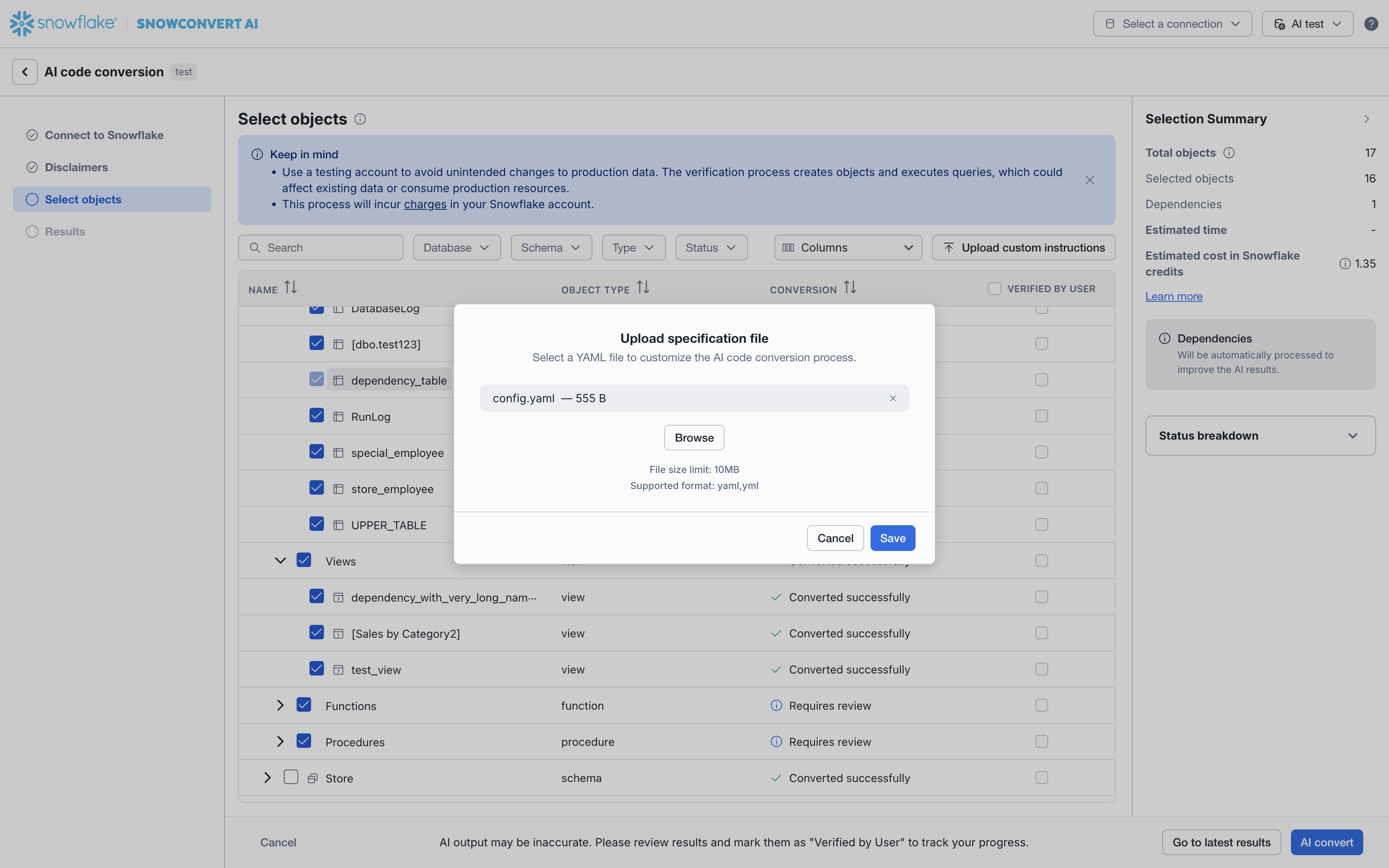
You have now configured the AI code conversion process to run in two-sided mode. This will compare test results from the source SQL Server database to the converted Snowflake SQL code.
Proceed with the AI code conversion steps to complete the source-system verification process.
Impact on costs and dependencies
The costs for running AI code conversion with source-system verification may be different from the default AI code conversion, depending on your Snowflake credits consumption for SPCS and Cortex AI. A summary of the estimated costs and number of objects affected by the source-system verification process can be found in the Selection Summary. We recommend reviewing the Selection Summary before proceeding to AI convert.