Snowpark Migration Accelerator:如何向 config 文件夹授予 SMA 权限?
SMA 需要特定的文件夹权限才能正常运行。它需要对以下文件夹的读取、写入和执行访问权限:
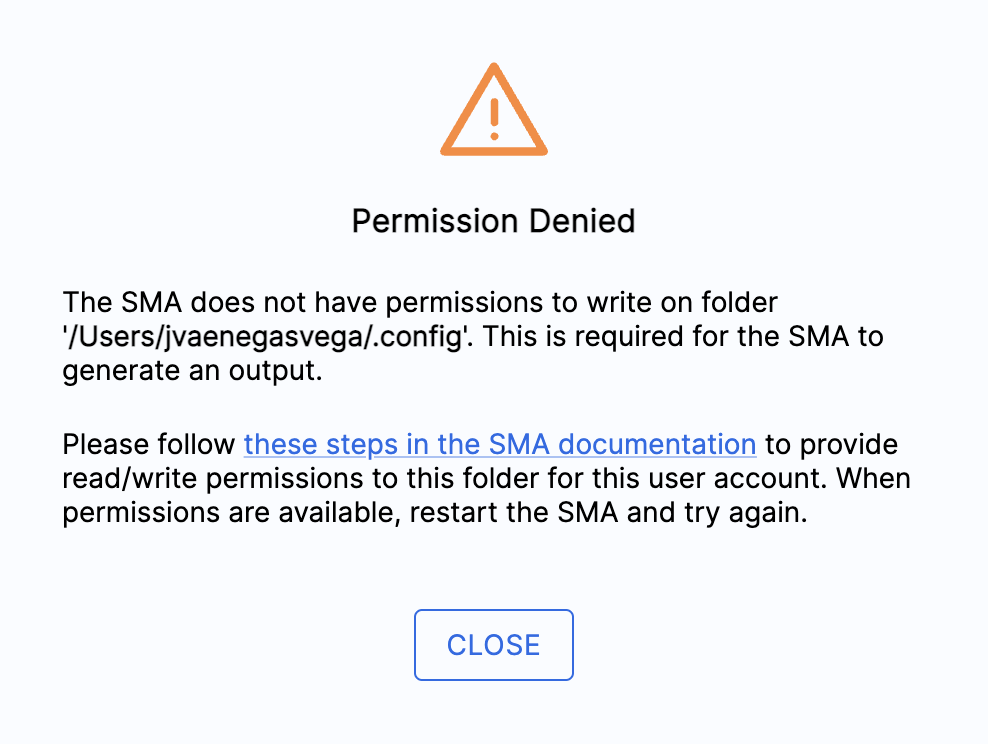
macOS: The
.configfolderWindows: The
AppDatafolder
这些文件夹存储基本的 SMA 文件,包括:
临时文件
日志文件
请确保 SMA 可以完全访问适用操作系统的相应文件夹。
对于 macOS
Open the Terminal by pressing cmd + spacebar, typing
Terminal, and pressing enter.Navigate to your home directory by typing
cd ~and pressing enter.Change the permissions of the .config directory by typing
chmod 777 .config. If you see "Operation not permitted," usesudo chmod 777 .configinstead.关闭终端并重新启动 Snowpark Migration Accelerator (SMA)。
对于 Windows
同时按下 Windows 键和 R 键打开“运行”对话框窗口。
Enter
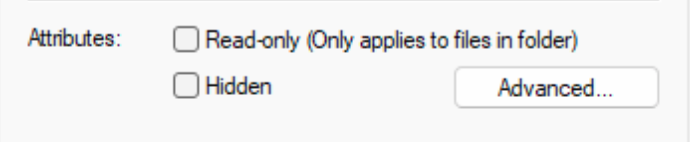
%AppData%in the Run dialog window and press Enter or click OK.找到“Snowflake Inc 文件夹”,右键点击该文件夹,然后确认属性下的“Read-only”复选框处于未选中状态。