Snowpipe Streaming Classic with Apache Iceberg™ tables
With Snowflake Ingest SDK versions 3.0.0 and later, Snowpipe Streaming can ingest data into Snowflake-managed Apache Iceberg tables. The Snowpipe Streaming Ingest Java SDK supports loading into both standard Snowflake tables (non-Iceberg) and Iceberg tables.
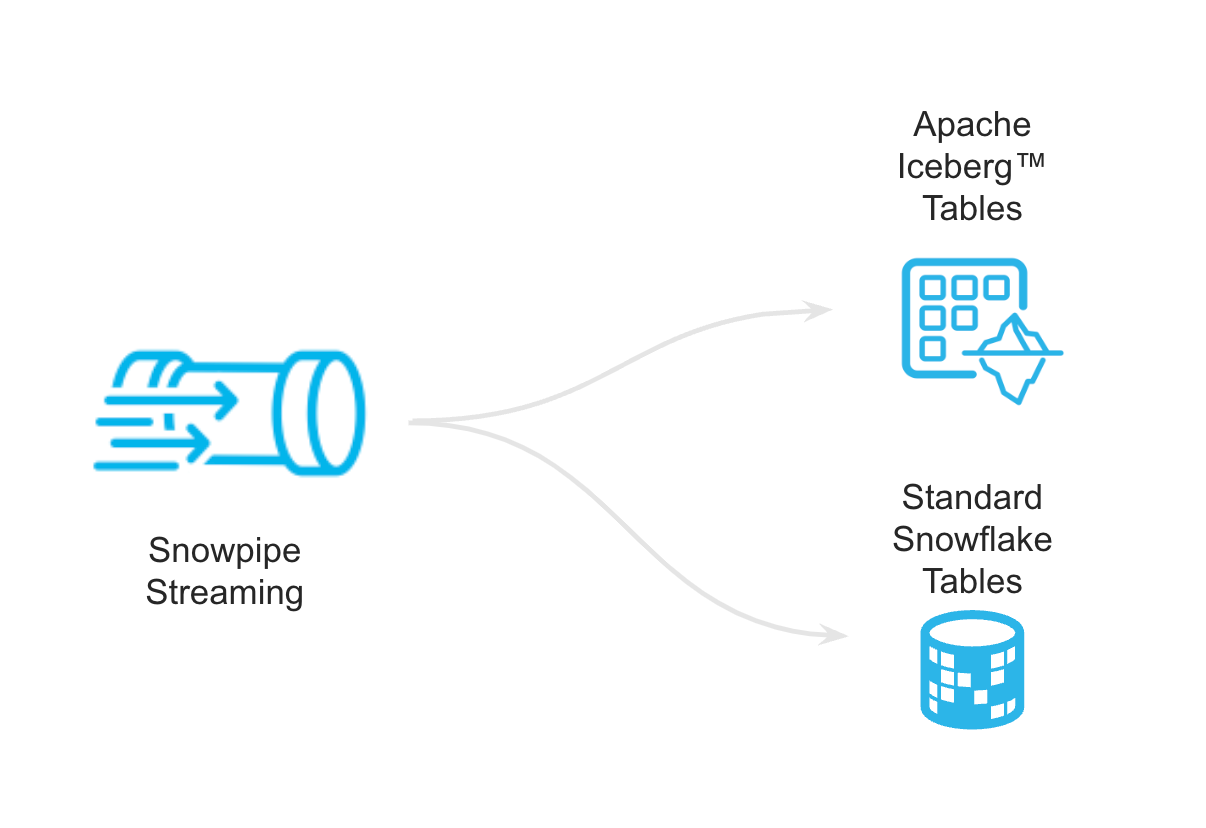
Data sent through the Snowpipe Streaming API ingests rows through one or more channels, which are automatically flushed according to the specified MAX_CLIENT_LAG.
The MAX_CLIENT_LAG property controls the latency of streaming ingestion:
- For standard Snowflake tables (non-Iceberg), the default
MAX_CLIENT_LAGis 1 second. - For Iceberg tables, the default
MAX_CLIENT_LAGis 30 seconds.
Snowflake connects to your storage location using an external volume, and Snowpipe Streaming flushes the data to create Iceberg-compatible Parquet data files with corresponding Iceberg metadata. These Parquet data and metadata files are uploaded to your configured external cloud storage location and made available as Snowflake-managed Iceberg tables registered with Snowflake as the Iceberg catalog.
Configurations
Create your Snowflake-managed Iceberg table with your configured external volume and specify the Iceberg table name in your open channel request.
To enable Snowpipe Streaming with the Snowflake-managed Iceberg table, you need to set the following property ENABLE_ICEBERG_STREAMING=true in the profile.json file.
Supported data types
- The Snowflake Ingest SDK supports most of the Iceberg data types, the same as what Snowflake currently supports. For more information, see Data types for Apache Iceberg™ tables.
- The Snowflake Ingest SDK supports ingestion into the three structured data types: Structured ARRAY, Structured OBJECT, Structured MAP.
Usage notes
- The default
MAX_CLIENT_LAGfor streaming to Snowflake-managed Iceberg tables is 30 seconds to ensure optimized Parquet files. You can set the property to a lower value, but we recommend not doing this unless there is a significantly high throughput. - The Ingest SDK supports automatic serverless compaction of small Parquet files asynchronously.
- The same client application cannot be used for Iceberg and non-Iceberg tables simultaneously.
- Snowflake-managed Iceberg tables do not support client-side encryption.
- The Iceberg compatible Parquet files are created based on the STORAGE_SERIALIZATION_POLICY specified on the Iceberg table.
- Snowpipe Streaming only supports Snowflake as the Iceberg catalog, but it also supports syncing with Snowflake Open Catalog.
- Snowflake connects to your storage location using an external volume. You are responsible for data storage for Iceberg tables.
- Only Iceberg v2 tables are supported. Iceberg v3 tables aren’t supported. To use Snowpipe Streaming with Iceberg v3 tables, you must use Snowpipe Streaming with high-performance architecture.
Limitations
The Snowpipe Streaming limitations and Iceberg tables limitations also apply to Snowpipe Streaming with Iceberg tables.