PostgreSQL
Supported deployments
Additional information
Sync new data assets
After first connection, if you create a new PostgreSQL schema in your database, you need to re-grant permissions.
To sync your new assets into Horizon Catalog, follow these steps:
-
GRANT access to the new Schema:
-
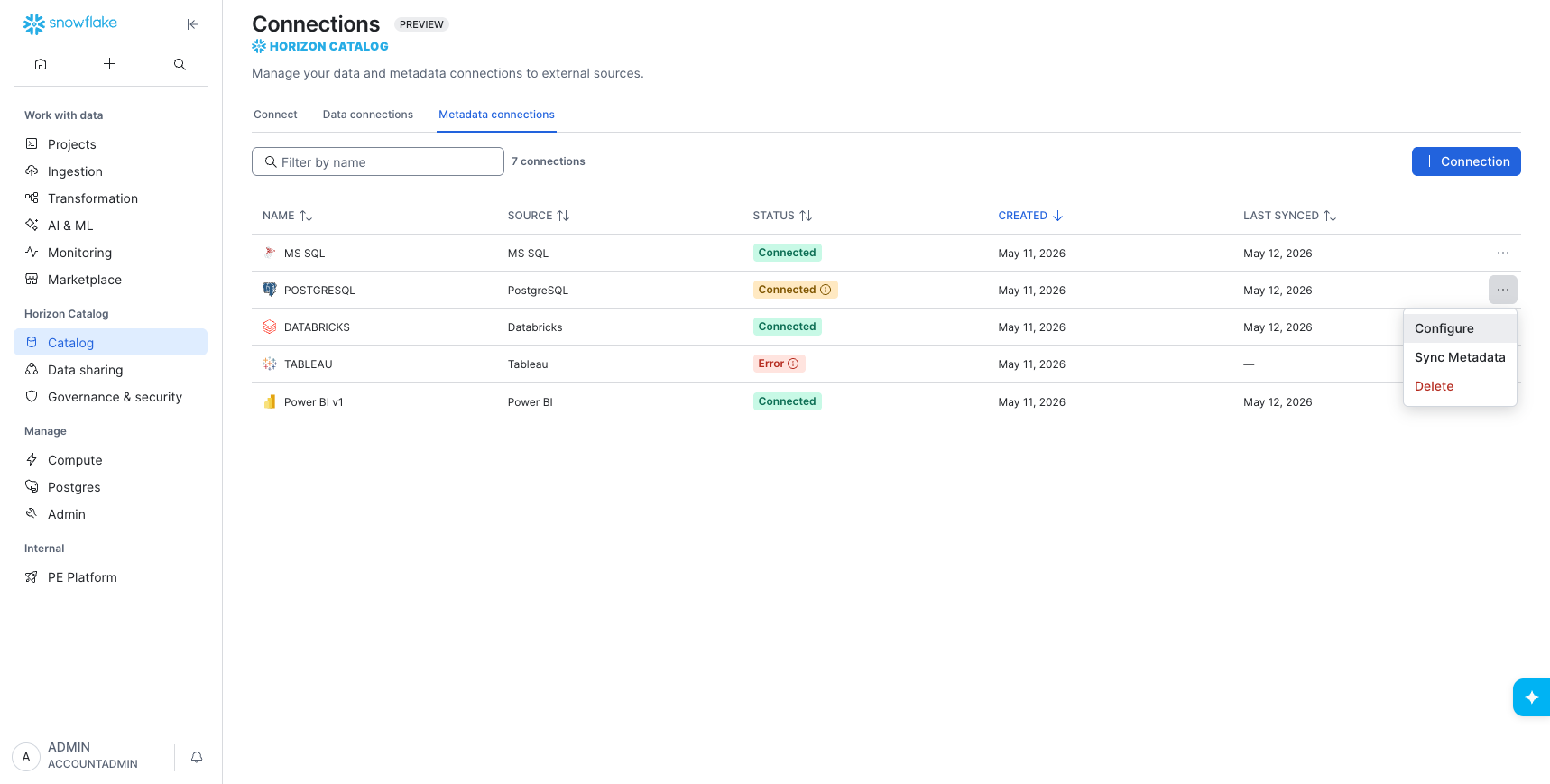
In Snowflake, open Catalog > Connections, find your data source, and click Configure.
-
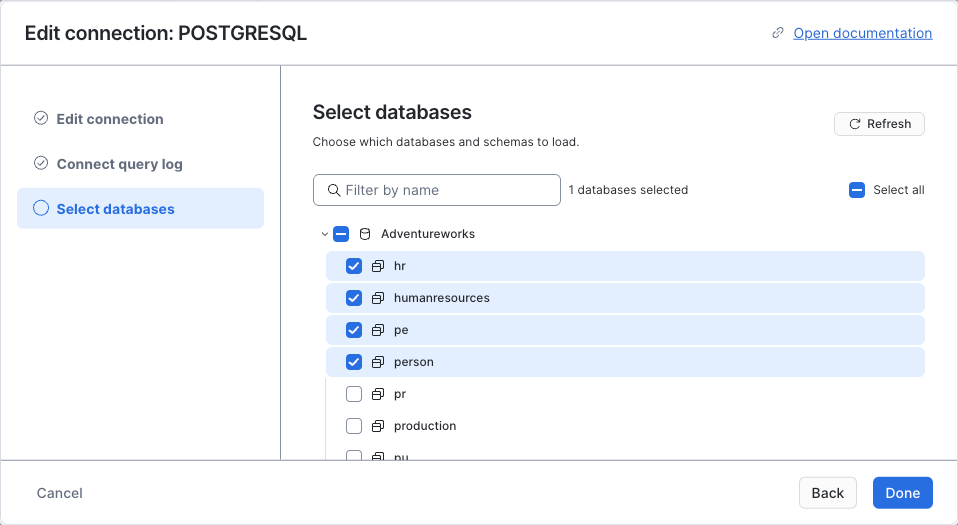
Click Refresh.
-
Click Next, and make sure your new Schema is selected.